
Find out how to book SNS appointments online and in person
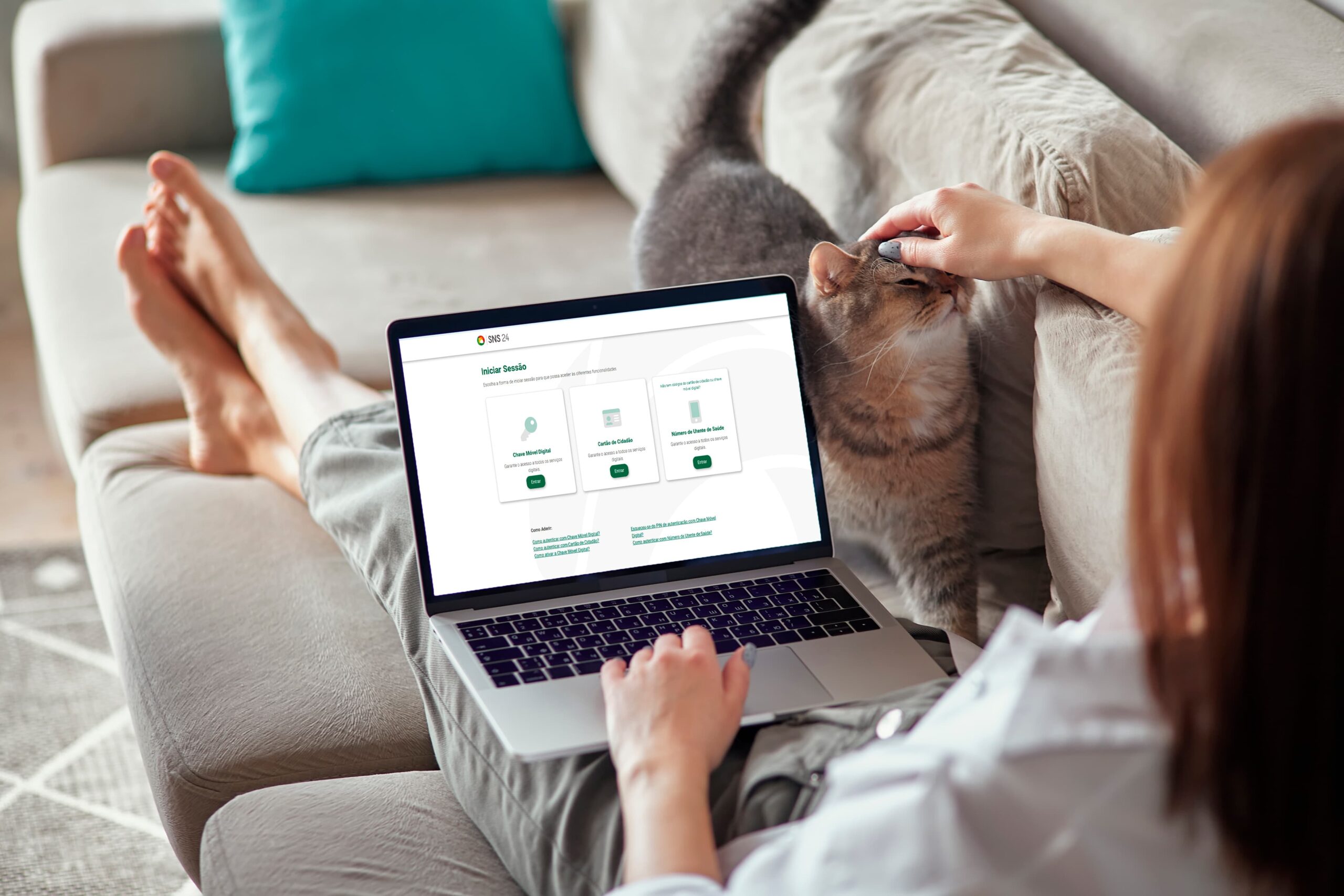
The ease of booking appointments with the SNS (the Portuguese National Health Service) has been growing thanks to the various digital options available. Today, through the SNS 24 Portal, booking a medical appointment is more accessible and lets you avoid unnecessary trips and long waiting times. In this article, we explain how you can book an appointment and what other features of the SNS 24 Portal you can explore.
How to book an appointment on the SNS 24 Portal: step by step
- Log in to the Personal Area on the SNS 24 Portal
- Sign in using one of the available authentication methods (Chave Móvel Digital / Digital Mobile Key, Citizen Card or SNS patient number)
- In the menu, select “I need” and then choose “Appointments for me” and “Book appointments”
- Select the type of appointment you want (from the various options available)
- Set your time availability or choose the next free slot.
If you want to book appointments for someone else
- Go to the Personal Area on the SNS 24 Portal
- Sign in with the same authentication methods mentioned earlier
- In the menu, choose the option “I need appointments for others”
- Fill in the person’s details (patient number, full name and date of birth)
- Choose the “First available slot” or “Choose the booking period”.
How to book an appointment at the health centre
Those who prefer can go in person to the health centre where they are registered and book an appointment, presenting their SNS patient number (their own or that of the person for whom they are booking the appointment).
You can also choose to book the appointment by phone. To do so, contact the health centre where you are registered and give your patient number. If you do not know which centre you are registered at, call the SNS 24 line: 808 24 24 24. This is useful for those who do not have digital access or prefer to book the appointment in the traditional way.
Which appointments can I book at the health centre?
The SNS allows patients to book various types of appointments, whether through the portal, in person or by phone.
- General and family medicine appointment: for routine appointments or regular follow-up
- Nursing appointments: for treatments, such as the administration of vaccines or medication
- Family planning, maternal health, child health and adult health: important areas for those needing specialist follow-up
- Teleconsultation: in some cases, it is possible to have a remote appointment, depending on the doctor’s prior assessment.
Please note: emergency appointments cannot be booked online. For these, you should go to the hospital or use the SNS 24 line (808 24 24 24) for guidance on the nearest health unit.

A household is considered to be in a situation of economic hardship if its average monthly income, divided by the number of members responsible for supporting the household, does not exceed 763.89 euros. This amount, which may vary annually, corresponds to 1.5 times the value of the Social Support Index (Indexante de Apoios Sociais, IAS), which in 2024 is 509.26 euros.
In addition, unemployed people registered at the Job Centre, as well as their spouse and dependants, are also recognised as being in a situation of economic hardship.
Other features available on the SNS 24 Portal and App
In addition to booking appointments, the SNS 24 portal and app offer various useful features:
- Renewal of chronic medication
- Access to your vaccination record
- Health and examination history
- Viewing of medical prescriptions
- Access to self-certification of illness
- Requesting exemption from user charges (taxas moderadoras).
How much does an appointment at the health centre cost?
SNS appointments are, in many cases, free of charge or subject to reduced fees. Always check whether exemption from user charges applies to your situation.
If you are not registered at a health centre
To book appointments with the SNS (the Portuguese National Health Service), it is essential that the patient is registered at a health centre. If you are not yet registered, you can do so easily by following these steps:
- Go to the health centre in your area of residence and present your Citizen Card; tax number and proof of health benefits (if applicable)
- If you are temporarily living in a different municipality, you can request a temporary registration. This registration suspends the original one and will automatically resume after 12 months. For more information, contact the health centre where you wish to register.
If you do not know which health centre serves your area of residence, call the SNS 24 Contact Centre on 808 24 24 24.
Remember: without registration, you will not be able to book routine appointments, except in emergencies.
Need transport to your appointment?
If you need transport to your appointments, examinations or treatments, Ambula is ready to help! Explore our platform and ensure safe and comfortable transport for your next appointment.
Need non-emergency patient transport?
Ambula handles everything — with comfort, punctuality and care.
Book a transport